Overview
Evidence of pay is required from subcontractors for each pay period. Ideally, this should be a direct export from the subcontractor’s payroll system.Required Report Fields
| Field | Required |
|---|---|
| Pay Period start/end dates | Yes |
| Worker Name | Yes |
| Hours paid | Yes |
| Gross pay | Yes |
| Deductions | Yes |
| Reimbursements | No |
| Net Pay | Yes |
| Employee ID or SSN (last 4) | Yes |
How to Import Evidence of Pay
Access Wage Assurance Portal
Access the Wage Assurance portal using your provided link and credentials.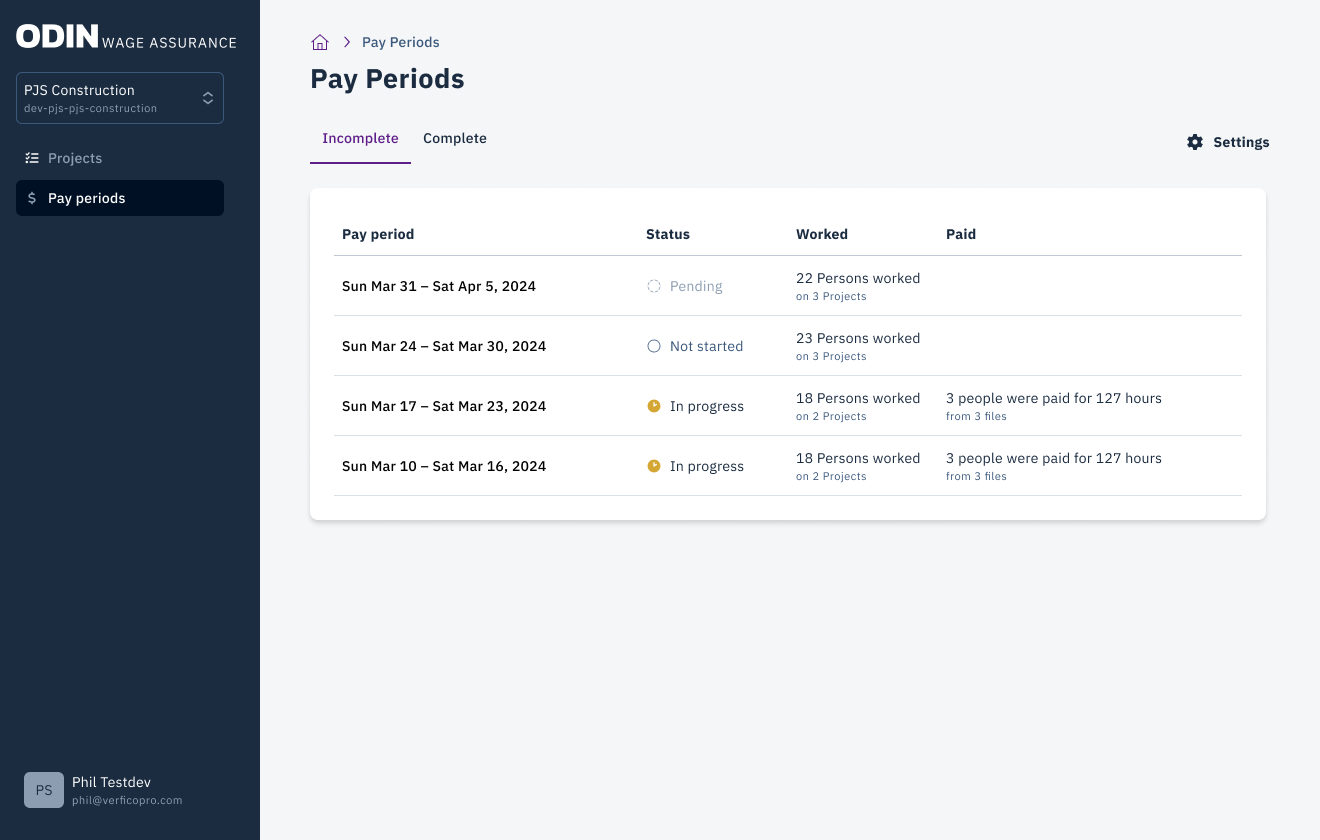
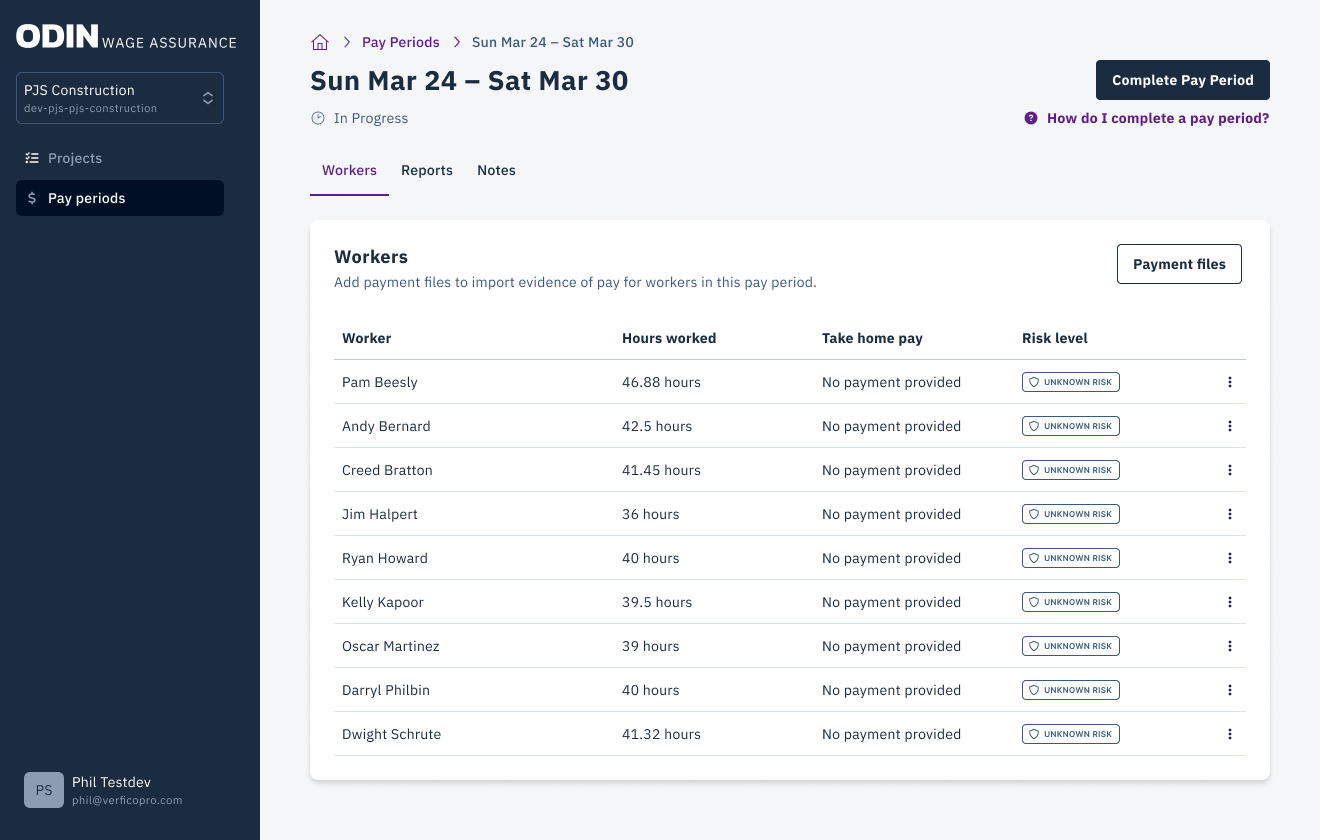
Review Workers
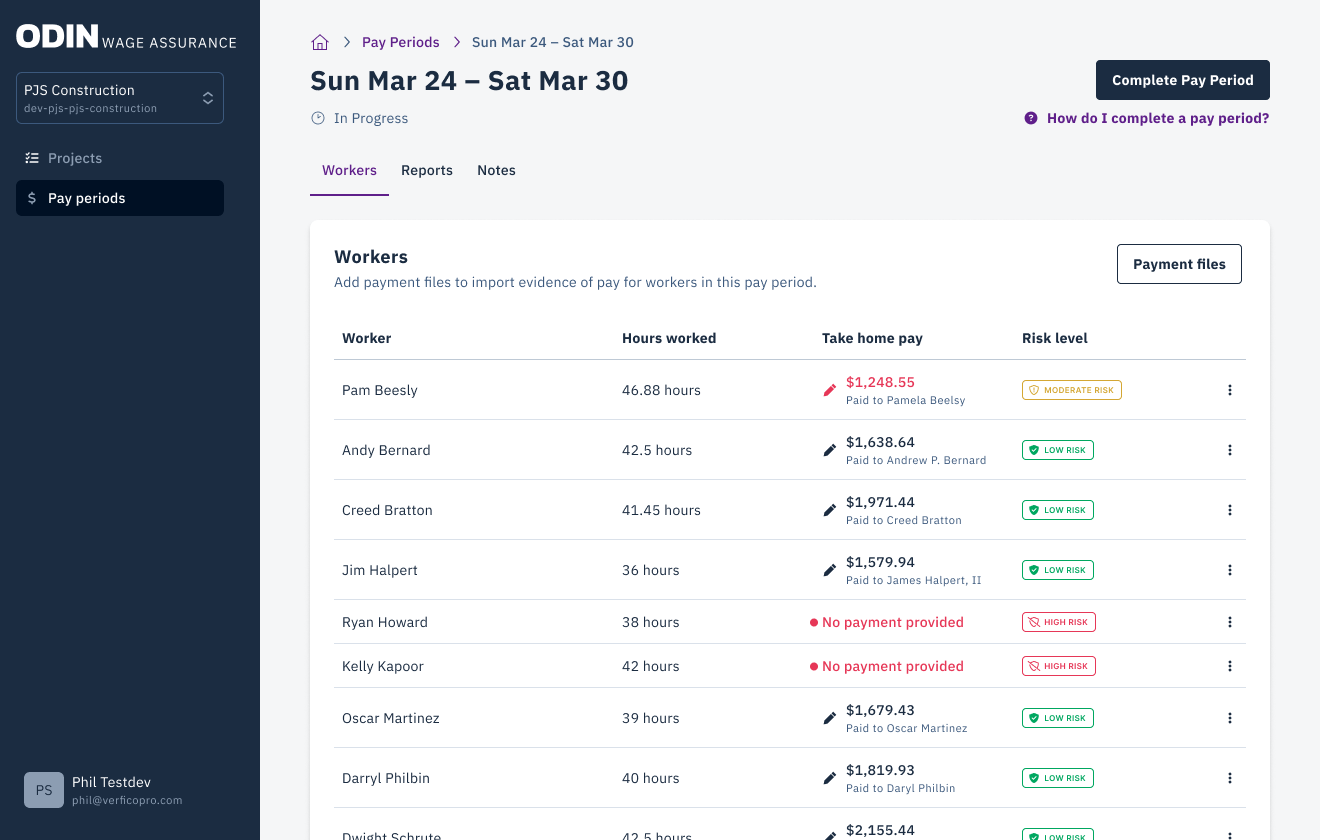
The screen displays workers with hours logged. Confirm that your files contain information for the listed workers.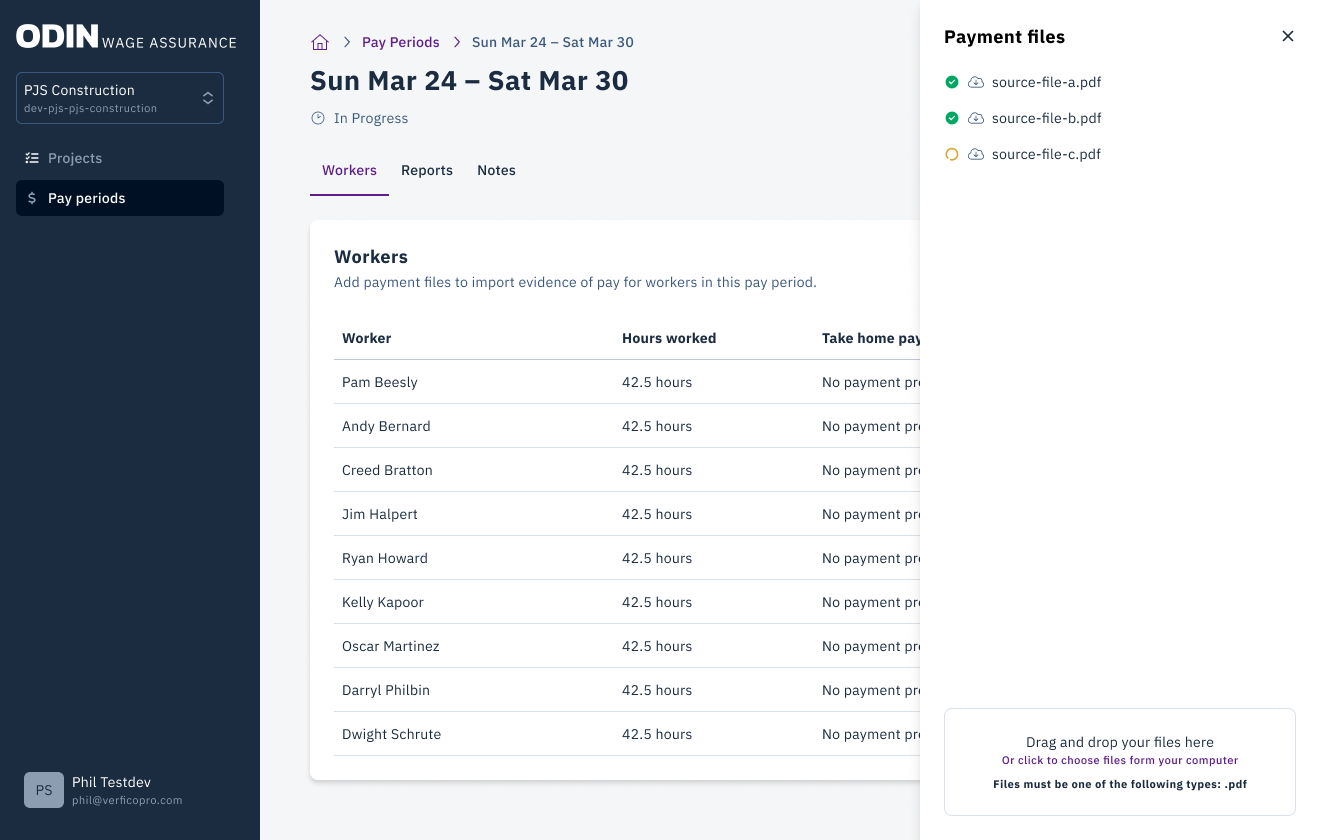
Auto-Mapping
The Odin payroll assistant will automatically map payment information from your uploaded files. This is most effective with standardized payroll reports.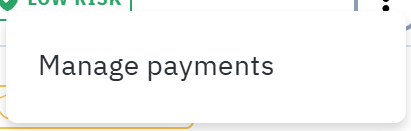
Review Payment Info
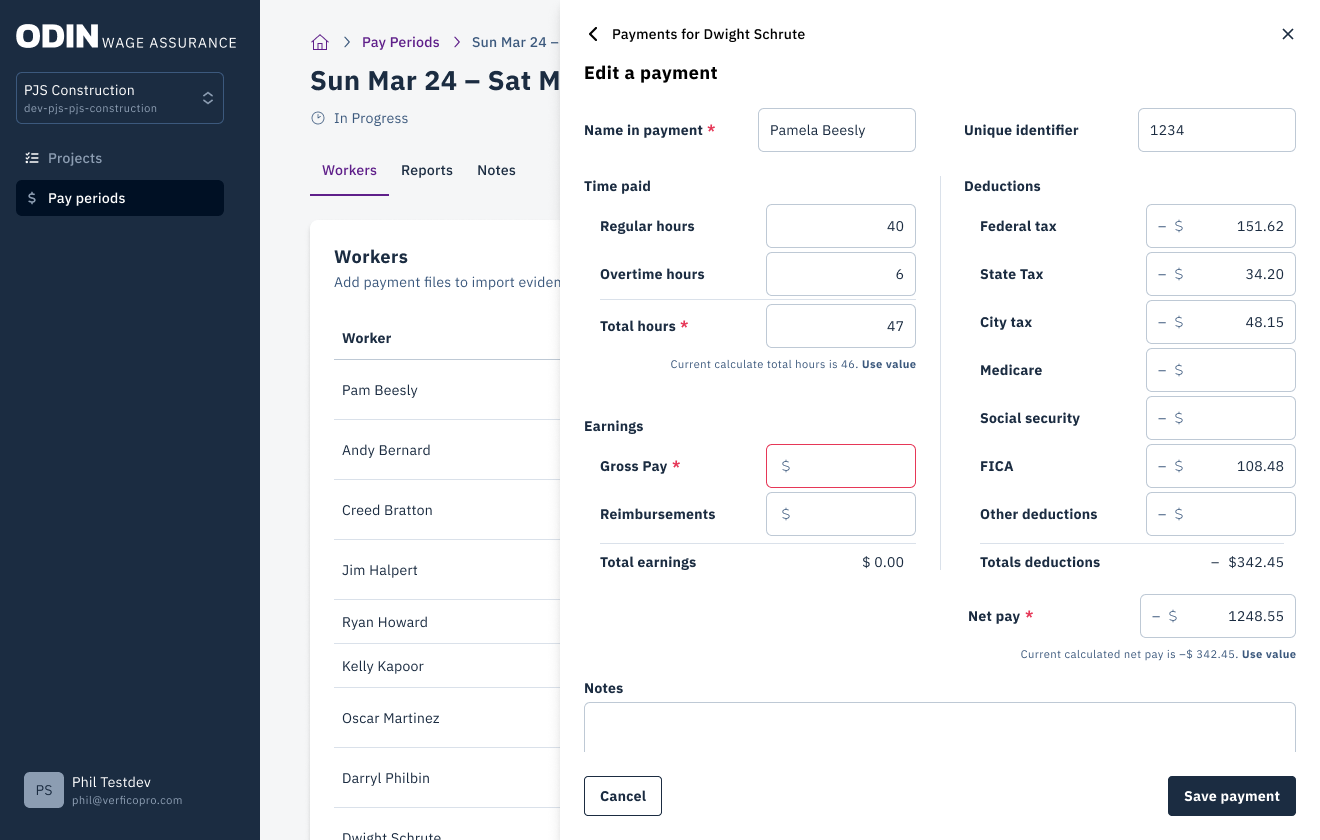
Review the payment information for accuracy. To fix any errors, click the three dots menu and select Manage Payments.
Admin Review
Once payment information is entered, the pay period will be reviewed by an Odin Admin.