

Steps to create a new jobsite
- Log in to Odin.
- Navigate to Jobsites.
- Select +Add Jobsite.
- Populate all required fields, ensuring you select the desired jobsite Template.
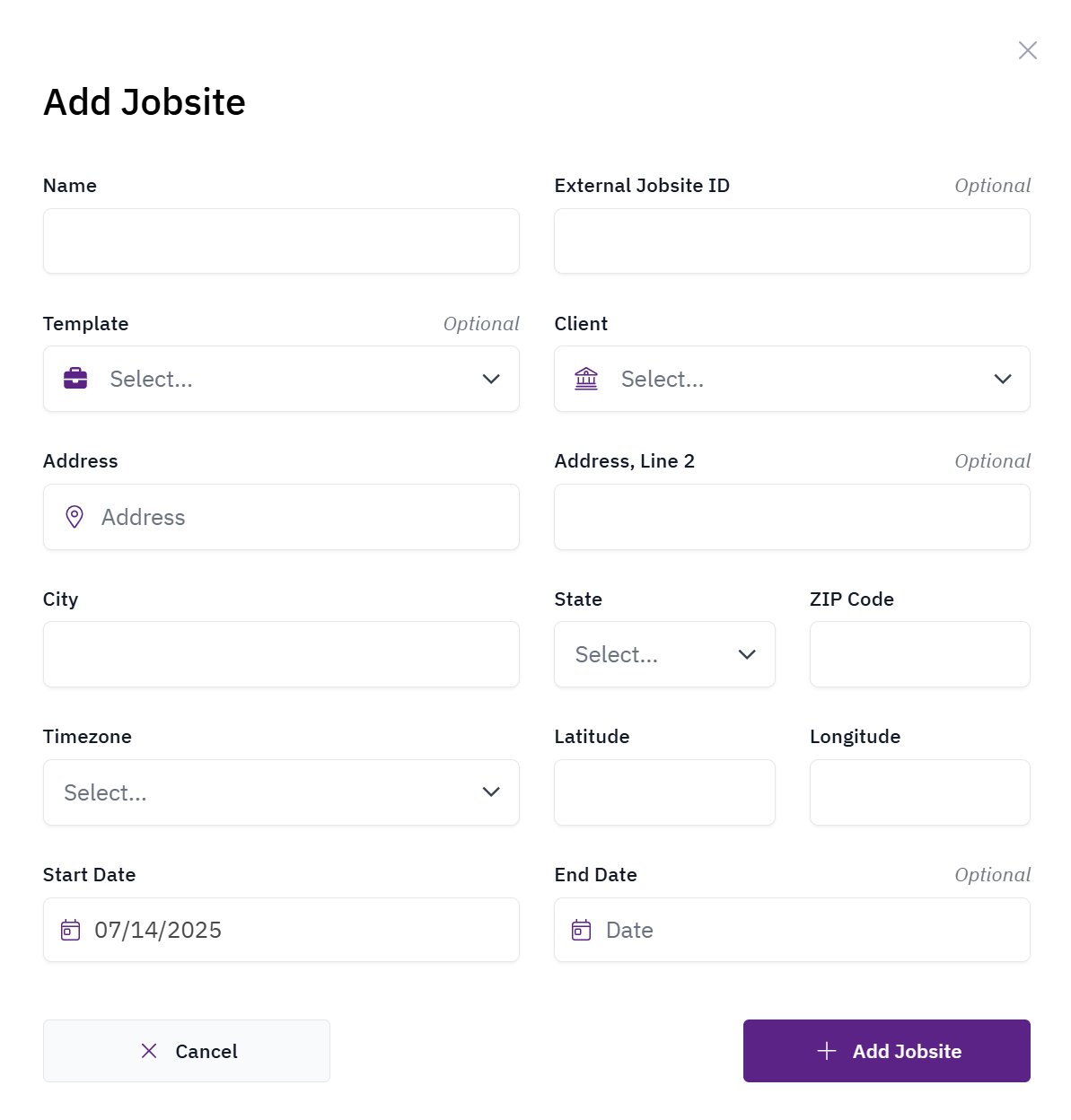
If you haven’t configured a jobsite template yet, contact your Odin customer success representative to establish one before proceeding.