

Overview
Follow these steps to safely relocate an Odin kiosk from one location to another.Relocation Steps
Disconnect the Kiosk
Unplug the kiosk, remove the mount from the wall, and use the key to extract the iPad from the enclosure.
Prepare the New Location
Identify a suitable mounting spot at the new location. Notify your Odin Customer Success Manager of the change and the desired camera orientation.
Configure the iPad
- Launch the Odin app
- Unlock with the code 040608
- Log in with Jobsite Admin credentials
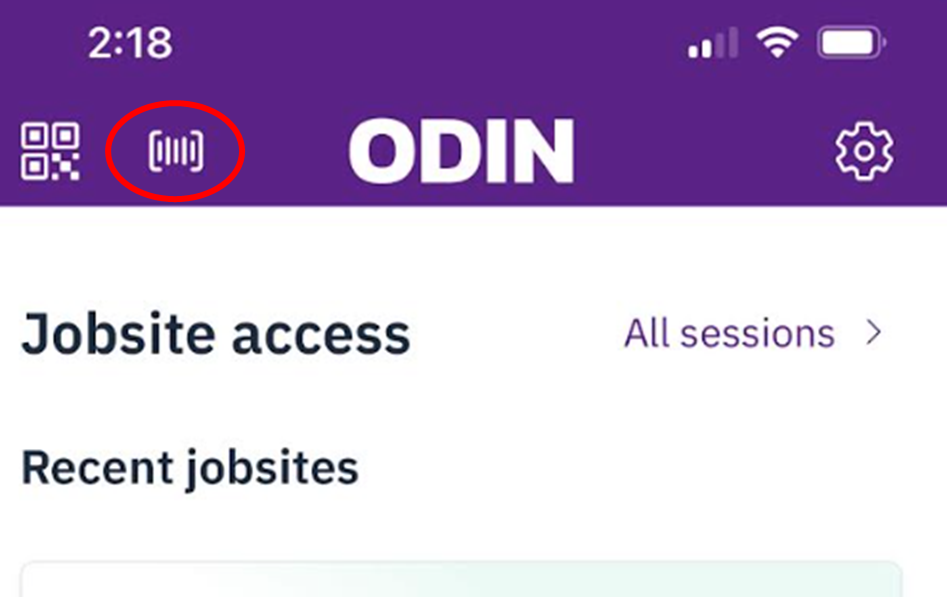
- Tap the Kiosk icon
- Select the jobsite
-
Confirm the kiosk is active in Kiosk Mode
Reinstall the Mount
Place the iPad in the case. When selecting a mounting location, consider accessibility, available space, and proximity to power outlets. Secure the mount to the wall and reconnect power.
If the jobsite does not appear in the list, contact Odin Customer Support to add the profile user as a Jobsite Admin.