

Overview
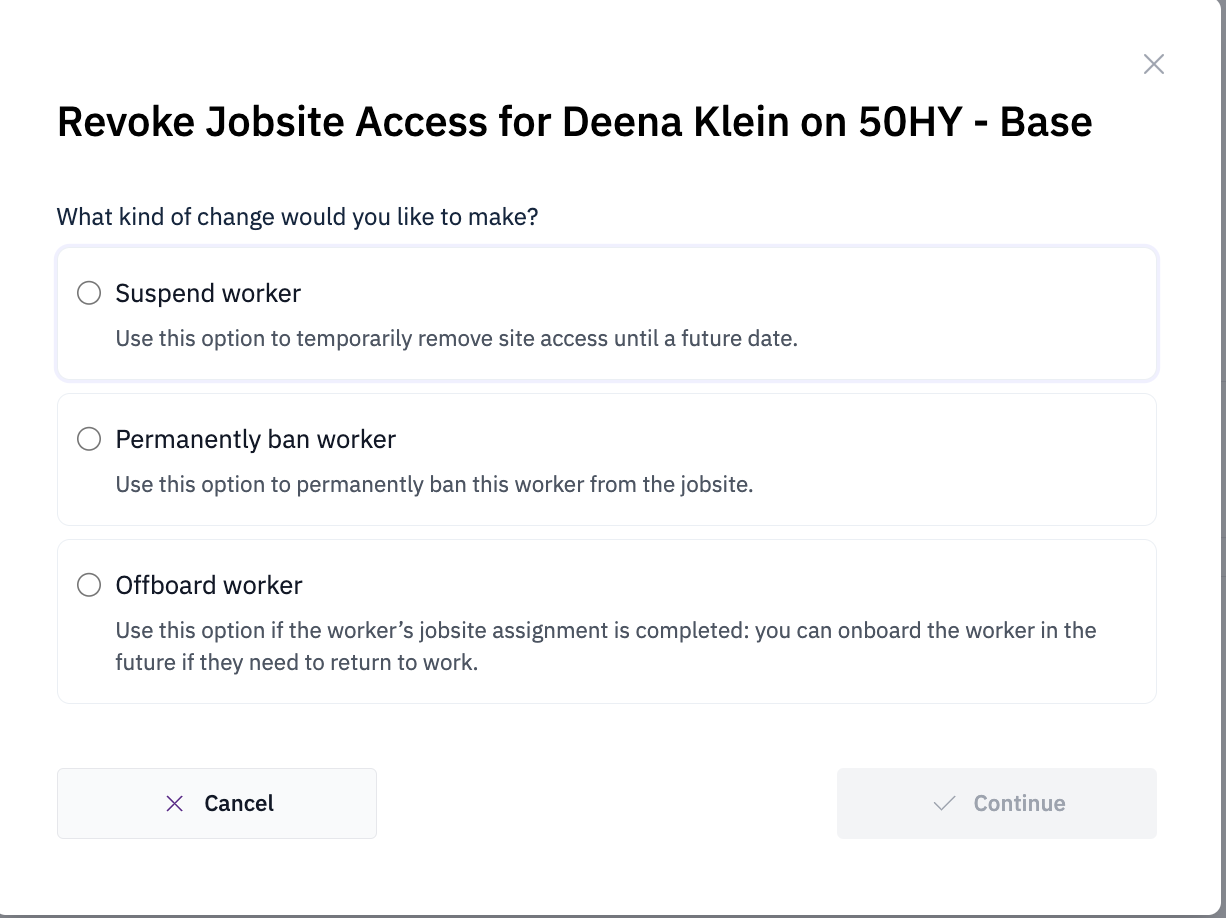
Banning a worker prohibits them from entering the jobsite. This action is typically implemented for security or safety concerns, and access is restricted to select Odin Users with authorization. When a banned worker attempts entry, Odin equipment will display a ban notification and trigger email alerts to designated users.Banning a worker
Navigate to the worker's jobsite
Go to Worker Profile > Jobsites, click the three-dot menu, and select Revoke Access.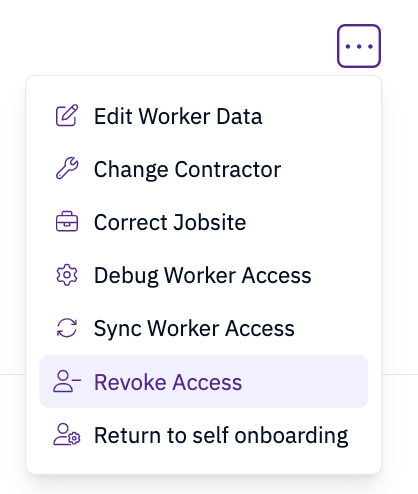
Requirements
- Authorization from a select user with appropriate permissions
- Documented notes explaining the specific security or medical reason for the ban
- Only authorized personnel can approve worker bans from job sites
