
Overview

Worker unit trackers provide the ability to track a worker’s work units by cost code, type, and level.

How to Create a Worker Unit Tracker

1

Navigate to Work Unit Tracker

Navigate to Documents, select +Add, then select Work Unit Tracker.
2

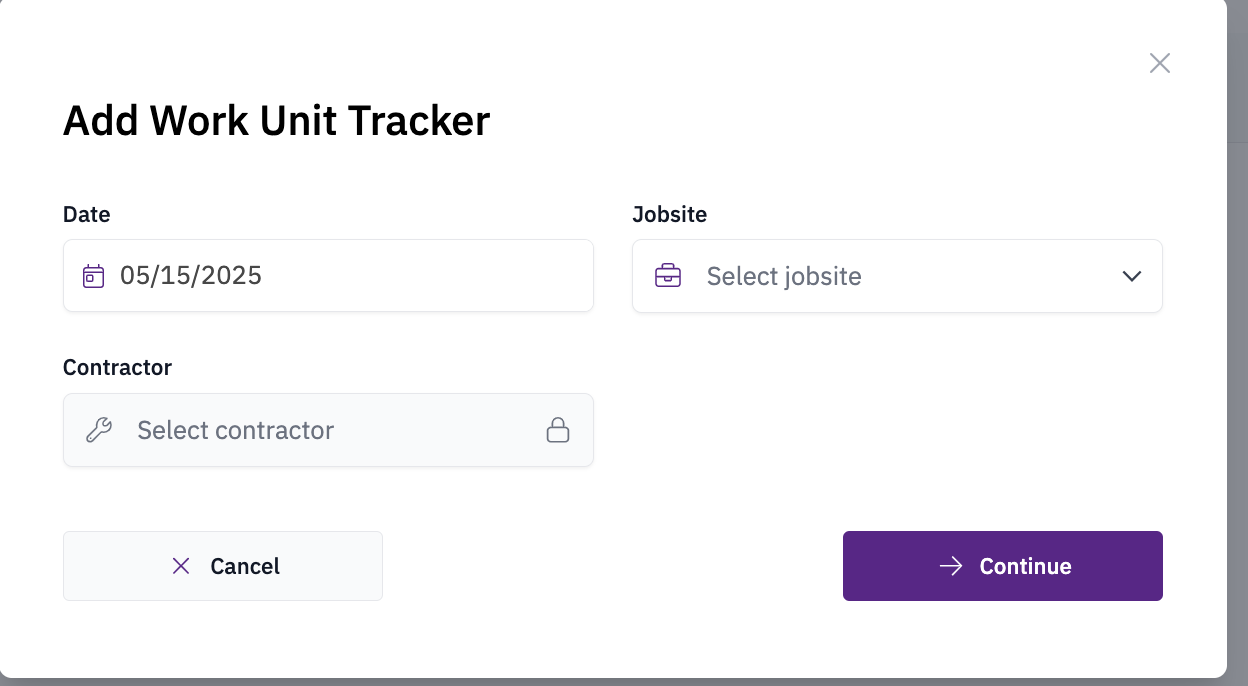
Select Details

Select the Date, Jobsite, and Contractor, then click Continue.
3

Populate Work Units

Populate the Work Units, Cost Code, Type, and Level fields. Add any relevant notes, then select Save Changes.Work unit tracker form
4

View Tracker

Your tracker(s) will be visible in the Documents view.