Overview

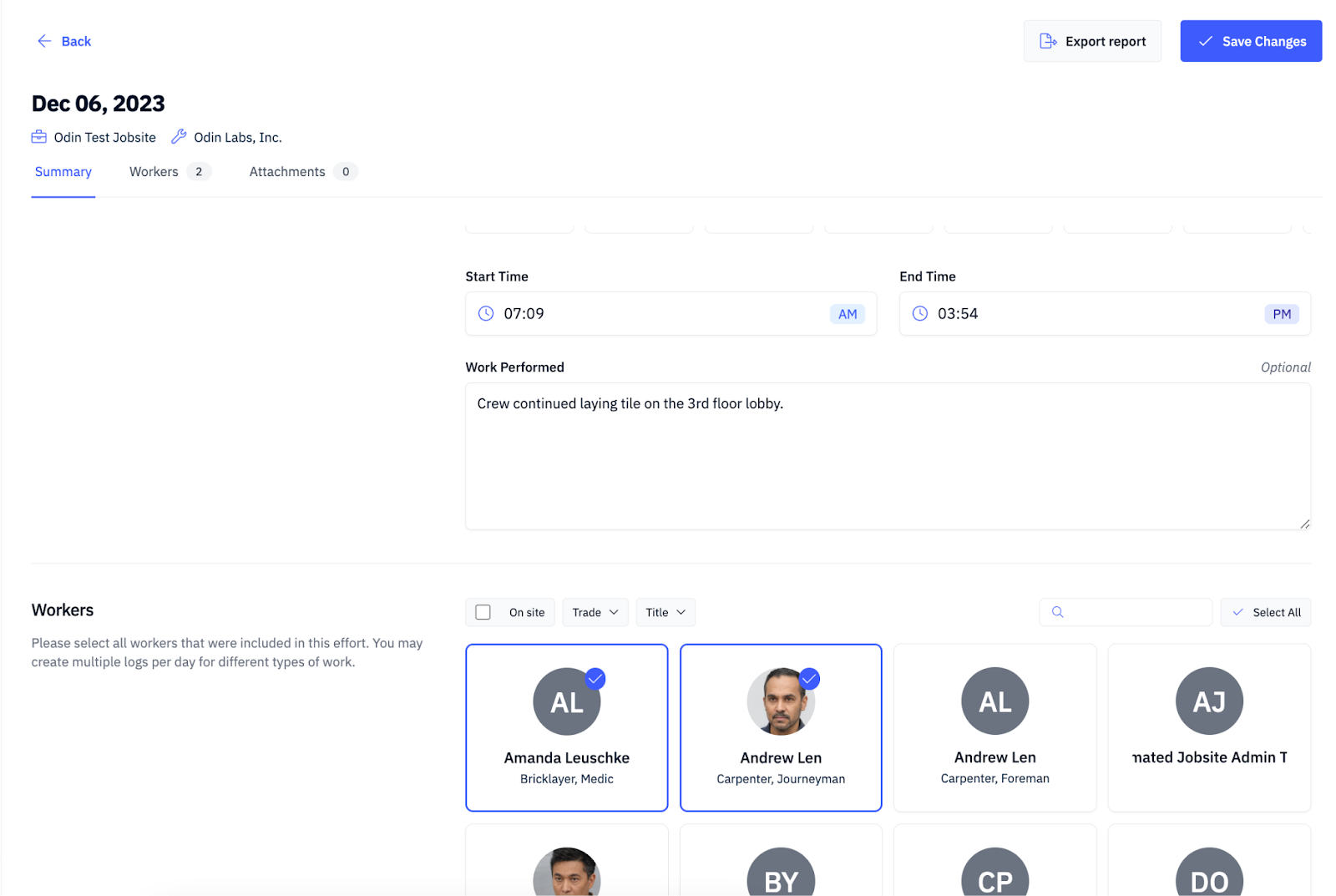
Daily Logs help general contractors and subcontractors track work performed and the workers who performed it.

Key Features

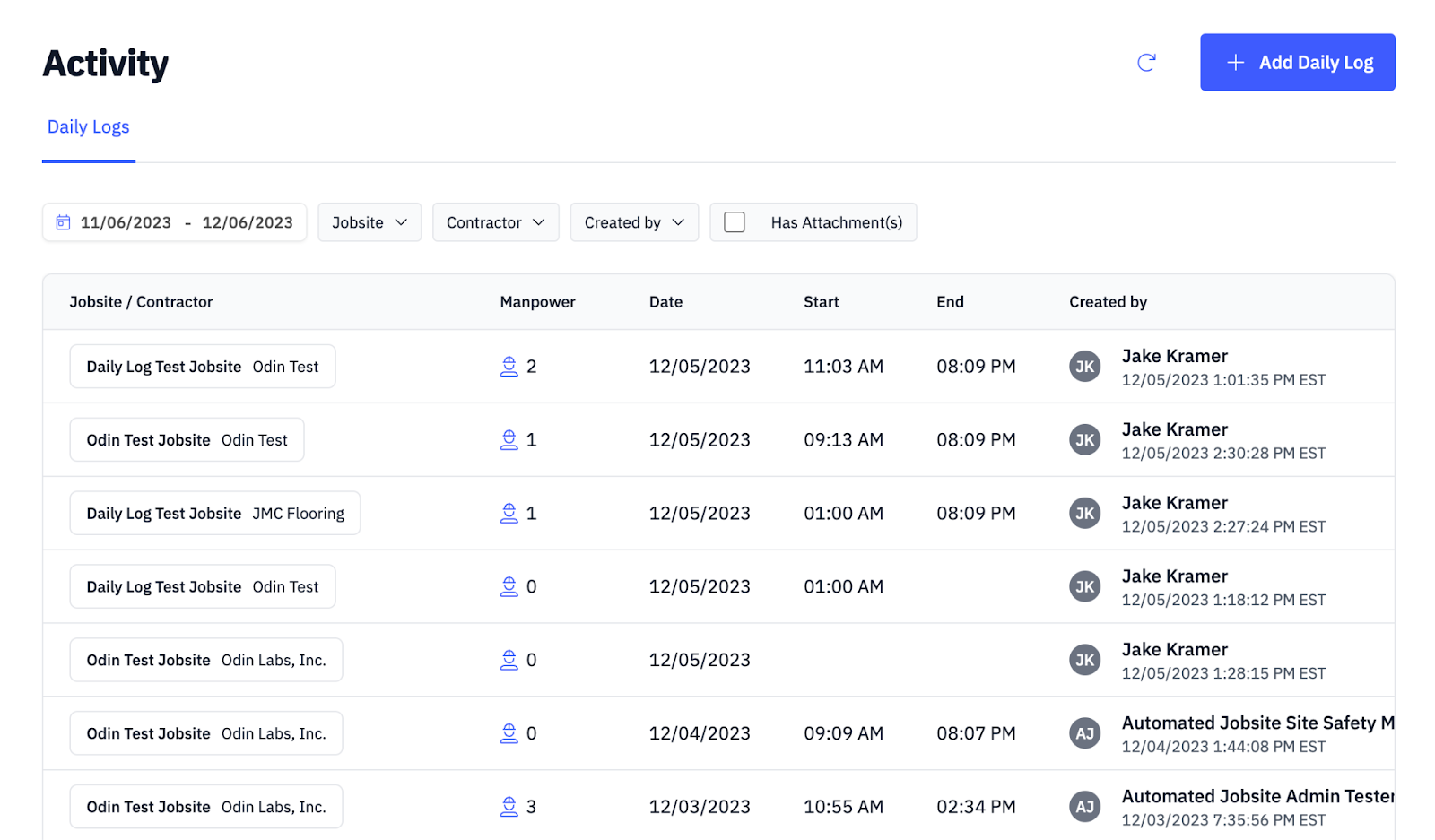
  • Create multiple log entries per subcontractor
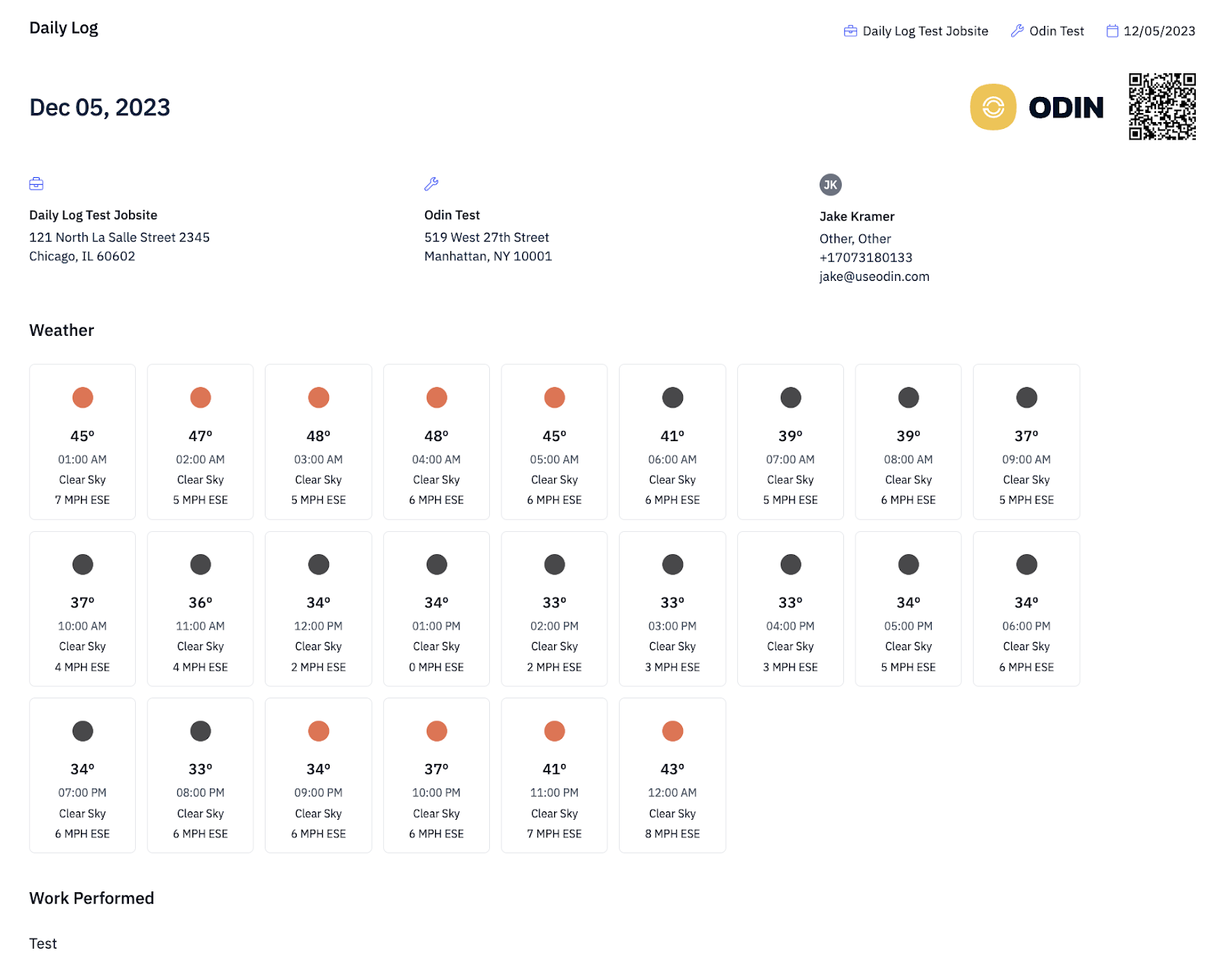
  • Automatically retrieve weather conditions based on jobsite location
  • Optionally assign workers sorted by time onsite
How to Create a Daily Log

1

Navigate to Daily Log

Navigate to Documents, select +Add, then select Daily Log.Navigate to Daily Log
2

Select Jobsite and Contractor

Select the Jobsite and Contractor, then click Continue.Select Jobsite and Contractor
3

Populate Fields and Save

Populate the Summary, Workers, and Attachments fields, then select Save Changes.Populate fields and save the daily log